
How to Play Slots on iPhone: Complete Mobile Guide
Updated August 4, 2026 · Mobile-first guide for Canadian adults
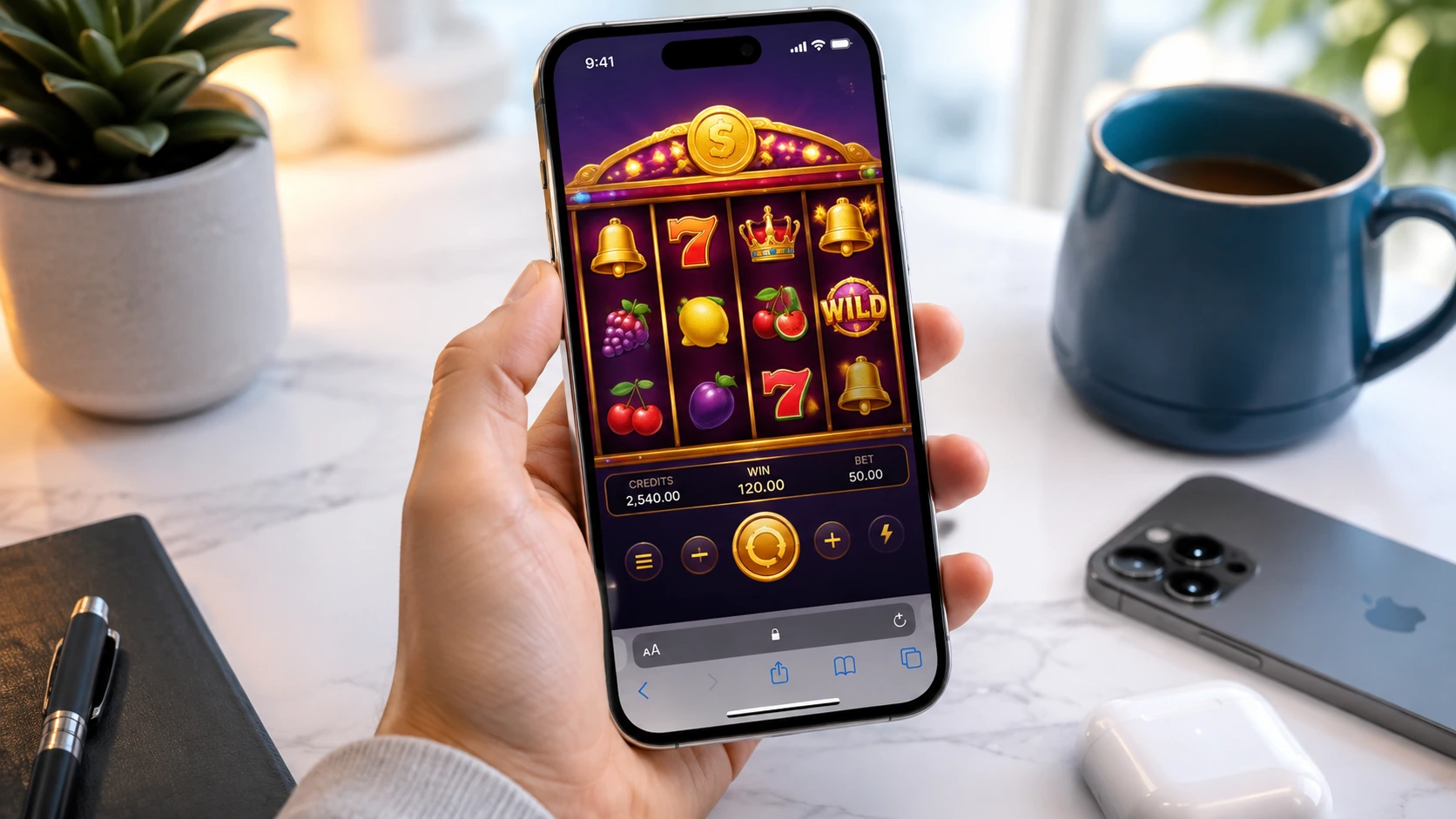
Modern iPhones can run HTML5 slots directly in Safari without a separate casino app. The safest setup starts with a legitimate operator, an updated browser and clear spending limits.
🛡️ 1. Choose a legitimate mobile site
- Confirm that the operator accepts players from your province or territory.
- Review licensing, company and contact information.
- Check withdrawal, verification and bonus conditions before depositing.
- Use the official domain rather than links from unknown messages or advertisements.
🌐 2. Open the site in Safari
Safari is integrated with iOS and supports current HTML5 casino games. Keep iOS updated, allow required cookies for account sessions and close unnecessary tabs when a game feels slow.
➕ 3. Add a home-screen shortcut
- Open the casino website in Safari.
- Tap the Share button.
- Select Add to Home Screen.
- Confirm the name and tap Add.
This creates a shortcut; it does not turn an unlicensed site into a trusted app.
🔐 4. Protect the account
- Use a unique password stored in iCloud Keychain or another reputable password manager.
- Enable two-factor authentication where offered.
- Use Face ID or Touch ID only on your own device.
- Avoid logging in over unsecured public Wi-Fi.
📶 5. Improve game performance
- Use stable Wi-Fi or a strong cellular signal.
- Close memory-heavy apps if animations stutter.
- Keep enough free storage for browser cache and iOS updates.
- Rotate to landscape when controls feel crowded.
🧰 Common iPhone issues
| Issue | Likely check | Possible fix |
|---|---|---|
| Game will not load | Old cache or blocked cookies | Reload, review Safari settings and clear website data if needed |
| Choppy animations | Weak signal or too many apps | Switch networks and close background apps |
| Login is not saved | Password autofill disabled | Review Passwords and AutoFill settings |
| Screen dims | Auto-Lock interval | Temporarily adjust Auto-Lock, then restore it after play |
⏱️ Safer-play setup
- Set deposit, loss and session limits before the first spin.
- Turn off promotional notifications that encourage unplanned play.
- Never chase losses or borrow money to gamble.
- Use time-out or self-exclusion tools when control feels difficult.
❓ FAQ
Do I need an App Store download? Usually not. Many casino platforms offer browser-based play through Safari.
Can I play in portrait mode? Most modern games support portrait mode, although complex grids may be clearer in landscape.
Does Face ID make the casino itself safe? No. It can protect account access, but operator legitimacy and payment security must still be checked separately.